 Mission Control
 DeveloperAssistant
 YouReviewer AgentAssistantMission ControlMission ControlDeveloperAssistantYouReviewer AgentAssistantMission Control
Projects give agents a plan,
context, and a finish line.
Move from one-off chat runs to persistent project work. Create strategies, tickets, releases, reviews, resources, and agent threads that stay connected until the outcome is shipped.



Not a chat window.
A working agent.
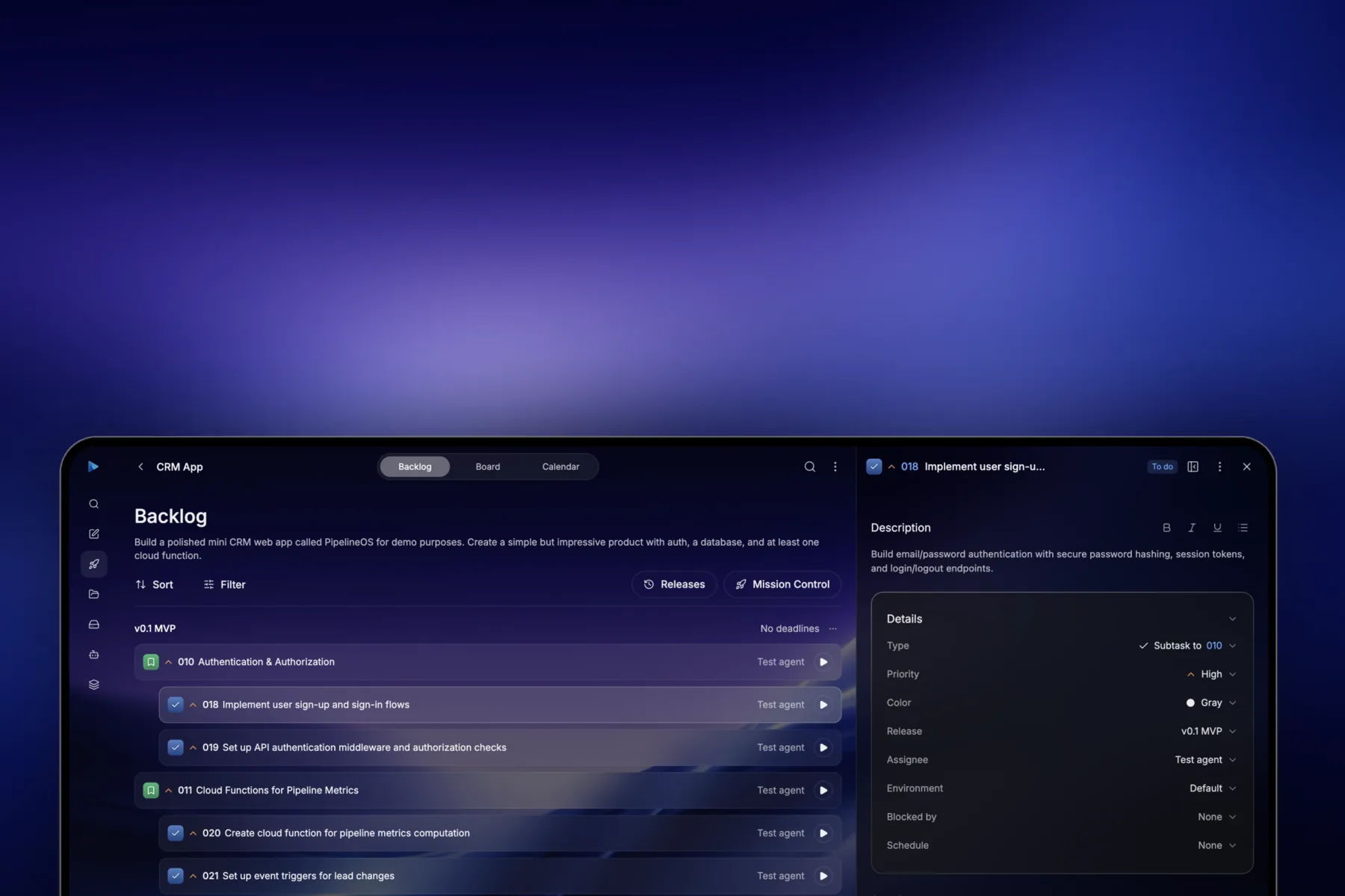
A project gives every agent the surrounding plan: strategy, tickets, releases, files, comments, reviewers, resources, and run history. Agents can return to the same workspace and continue the work instead of restarting from a prompt.




Not a chat window.
A working agent.
Projects keep the plan, tickets, files, reviews, resources, and run history connected so agents can continue from the actual state of the work.
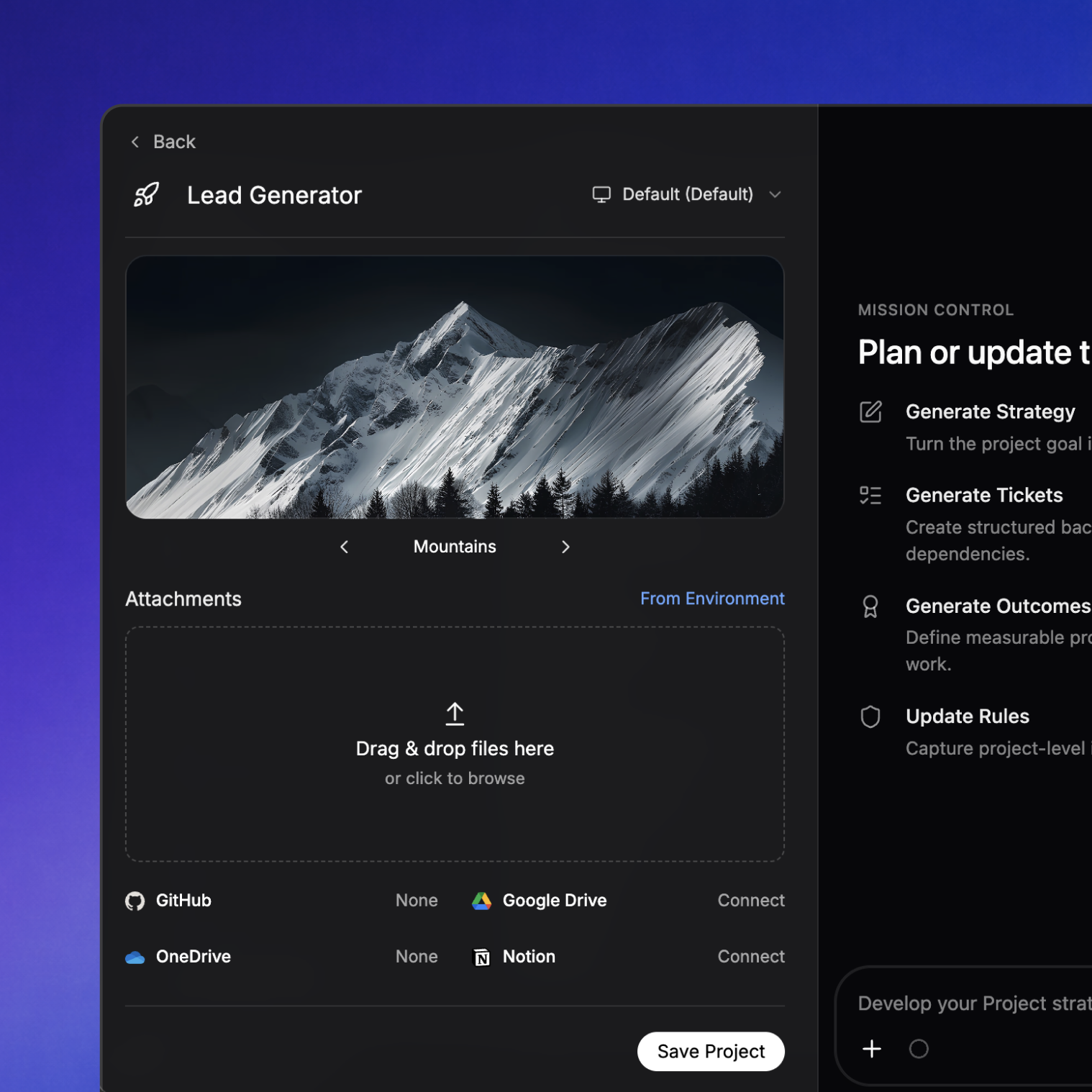
Turn a goal into a strategy, release, and backlog.
Mission Control analyzes the project, creates a strategy, breaks the work into tasks, groups them into releases, and can return later to clean up scope as the project changes.
Manage agent work like real product work.
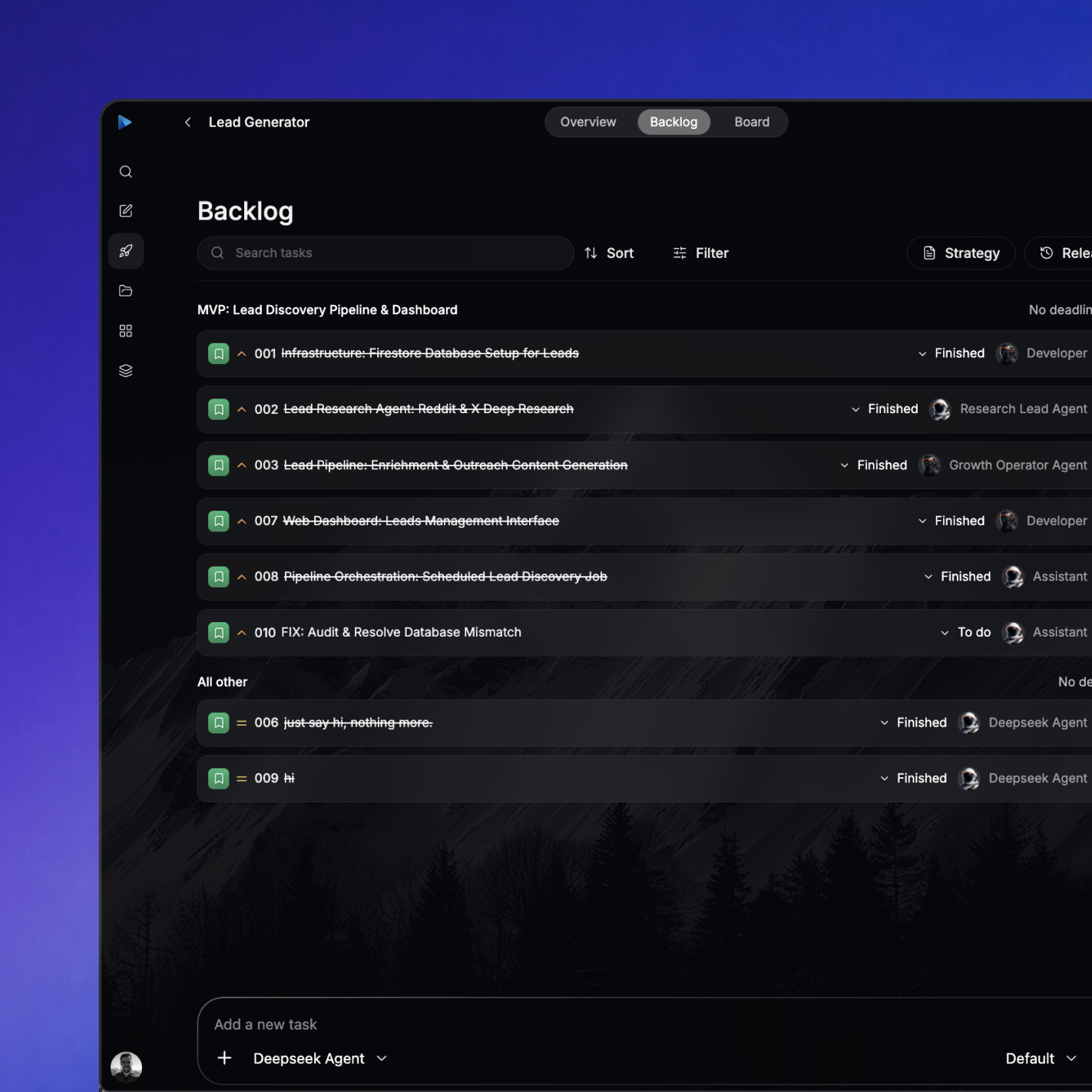
Tasks move through backlog, board, review, and finished states. Every ticket can carry detail, assignees, reviewers, blocked-by relationships, schedules, environments, comments, and related threads.
Let agents ship the infrastructure behind the work.
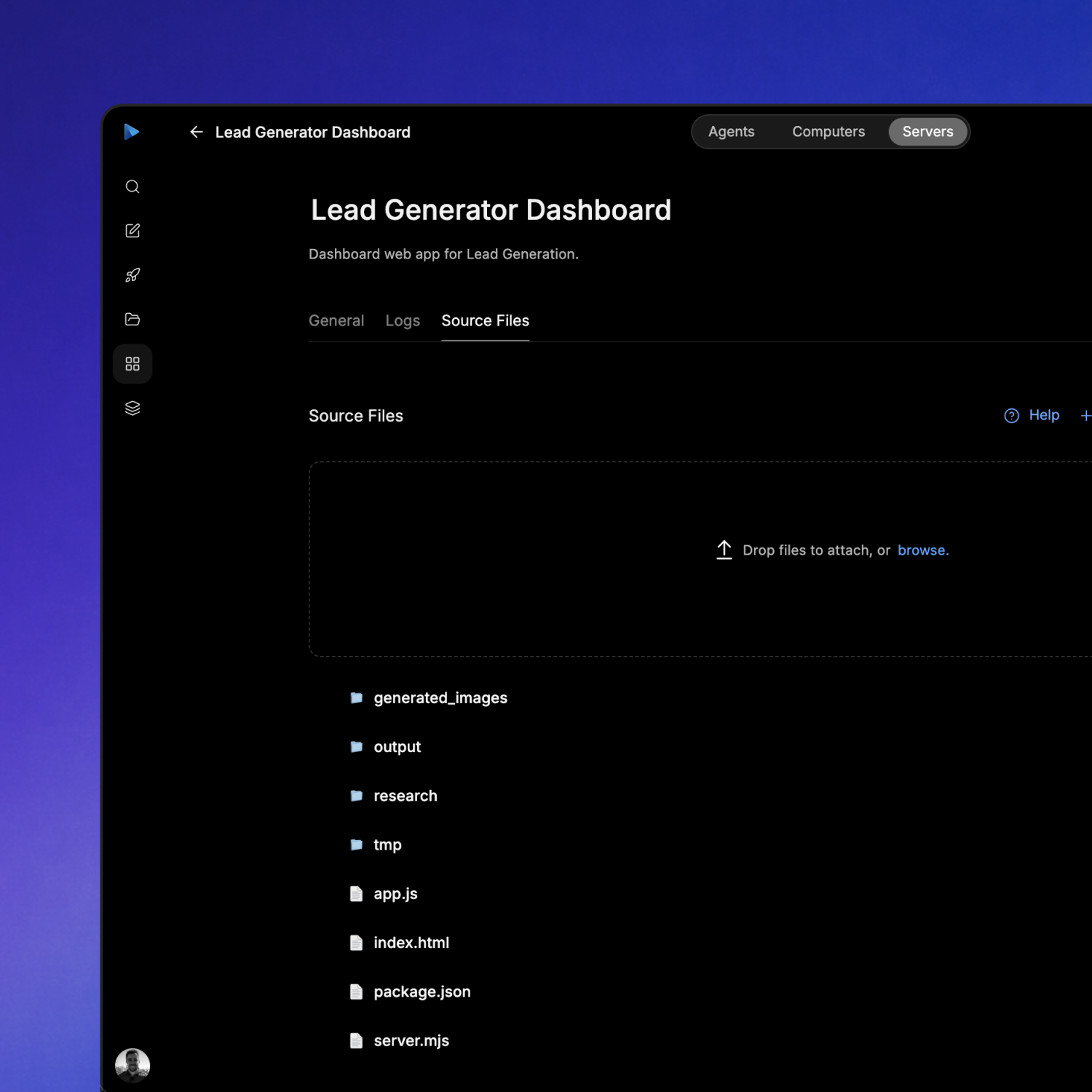
Projects are not just task lists. Agents can create and deploy web apps, APIs, cloud functions, databases, auth, and other resources inside the same project scope that holds the plan and backlog.
Start tasks one after another until the project is done.
Projects are designed for more autonomous execution. Agents can work through tasks, decide when subtasks need separate threads, trigger Mission Control, and continue from the project state they leave behind.
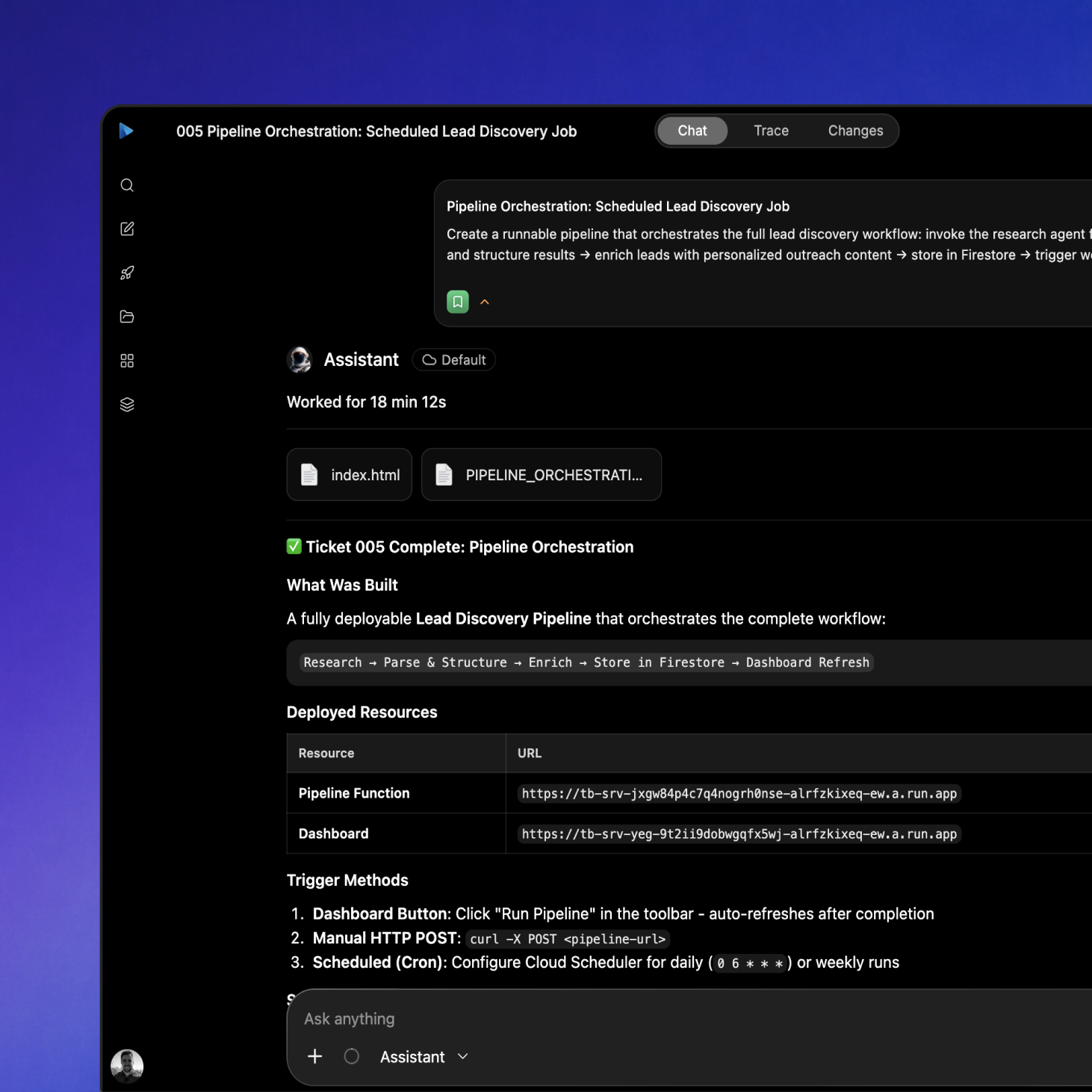
Everything agents need to run project work.
Use Computer Agents projects to plan, execute, review, deploy, and maintain complex work without losing the context that makes each next step possible.
| Mission Control | Turn a short goal into a project strategy, release plan, backlog, and next steps. Mission Control can return later to re-plan, clean up stale work, and decide what the project needs next. |
|---|---|
| Backlog | Create detailed tickets with descriptions, priorities, assignees, reviewers, blocked-by relationships, schedules, releases, environments, and linked implementation threads. |
| Board | Track project work across planned, in progress, blocked, in review, and finished states. Agents and people can see what is active, what needs attention, and what is ready to ship. |
| Releases | Group related tasks into milestones so agents can work toward concrete outcomes instead of isolated tickets. Releases keep scope, sequencing, and delivery context visible. |
| Task Threads | Start agent runs directly from tickets. Each thread keeps the task, project, files, comments, review state, and previous work attached so the agent can continue with context. |
| Agent Reviews | Move completed work into review before it is marked finished. Human or agent reviewers can approve, request changes, and leave feedback that stays connected to the ticket. |
| Project Resources | Create and manage deployed web apps, APIs, cloud functions, databases, auth modules, and other resources inside the same workspace where the project work happens. |
| Computers & Files | Give agents persistent cloud computers, project files, repositories, terminals, browsers, and attachments so implementation work produces real outputs instead of only text. |
| Full-Auto Mode | Let agents work through project tasks one after another, create follow-up tasks when gaps appear, trigger Mission Control when needed, and keep execution moving toward completion. |
| Schedules & Triggers | Run project work on a schedule or in response to external events. Agents can monitor changes, update resources, generate reports, and continue recurring workflows over time. |
Give every agent the project context it needs to finish.
Projects connect strategy, backlog, releases, computers, files, reviews, and threads so complex work can keep moving after the first message.
Get started